PlanODay™ · The Well-Built Life System™
Not just a planner. A system for a well-built life.
Answer a few questions and your plan builds itself. Your days, your goals, your money, even your wedding or your child's graduation party, together in one calm place.
- Pay once, own it
- Phone, tablet and computer
- No app store needed
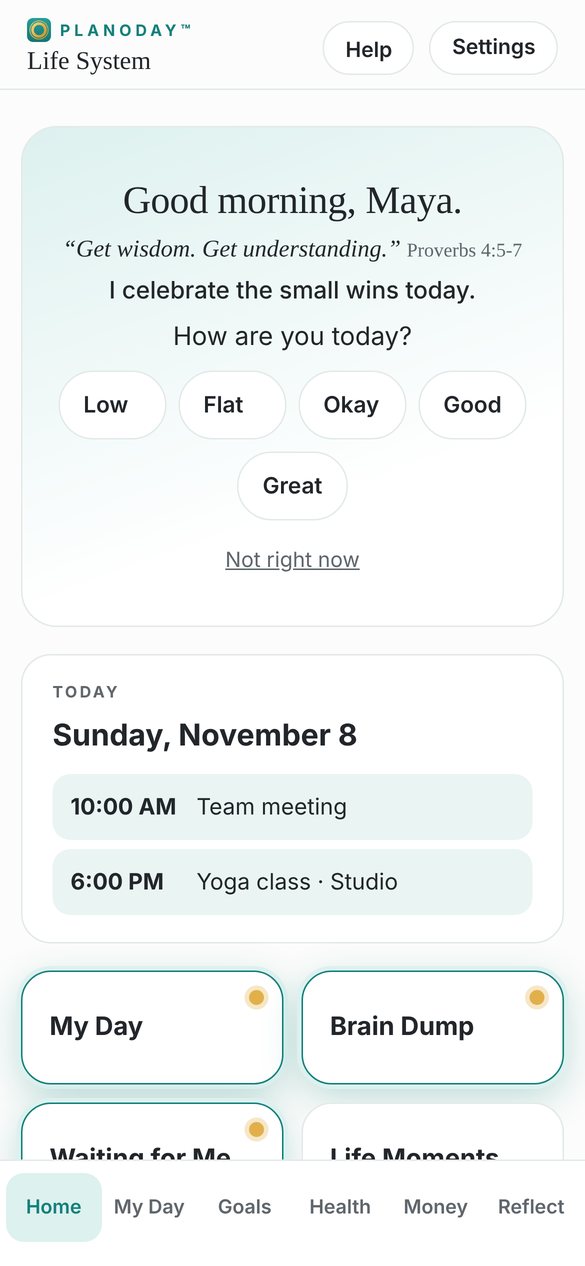
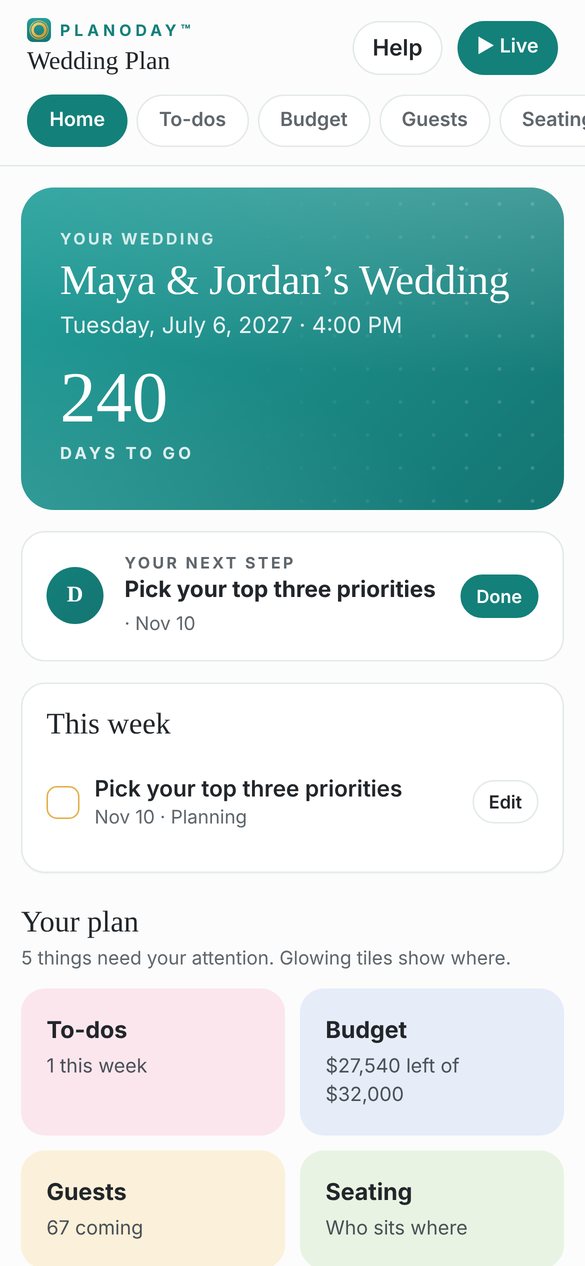
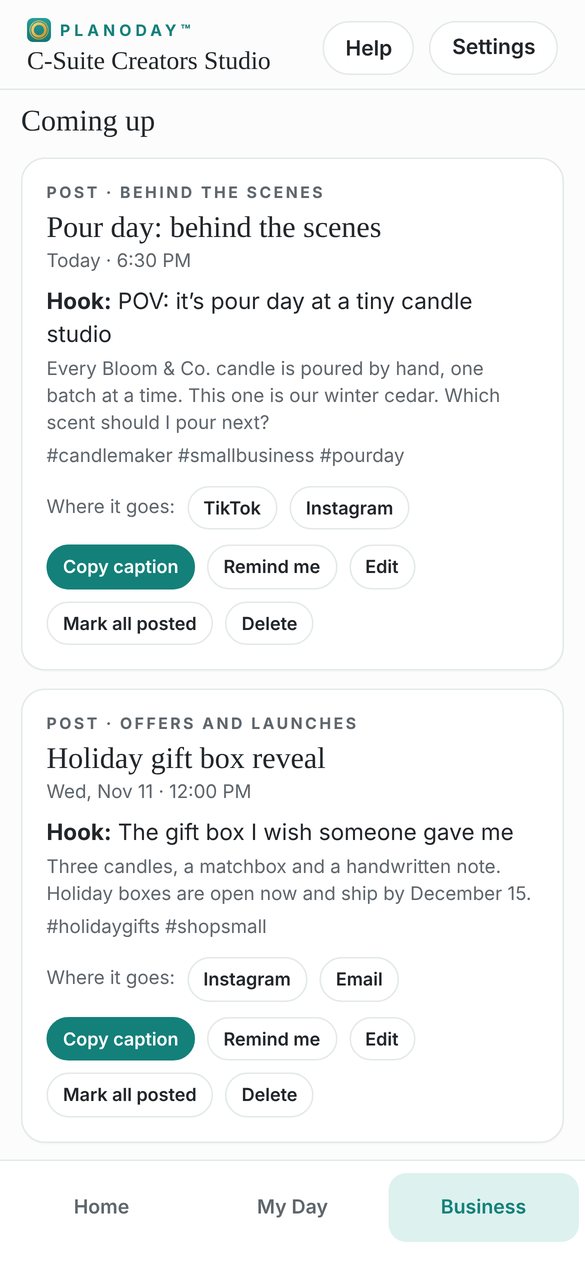
- Builds itselfA few questions in, your plan is ready.
- Calm by designNo red failure messages, no broken streaks.
- Plan togetherInvite up to 3 people. Changes show right away.
- PrivateYour health information is never shared.
Design your journey
Where would you like to start?
Three ways to plan a well-built life. Each one builds itself from a few questions.
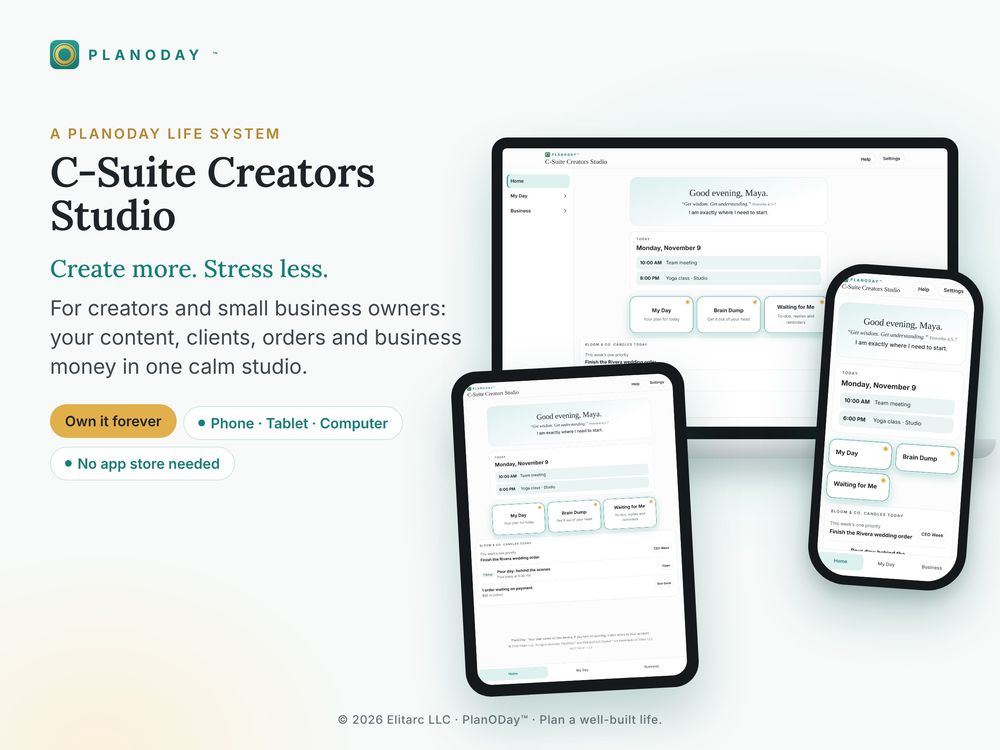
Business Suite
Grow your business with calm
Content ideas and hooks, reels and Lives, clients, orders and real profit.
Explore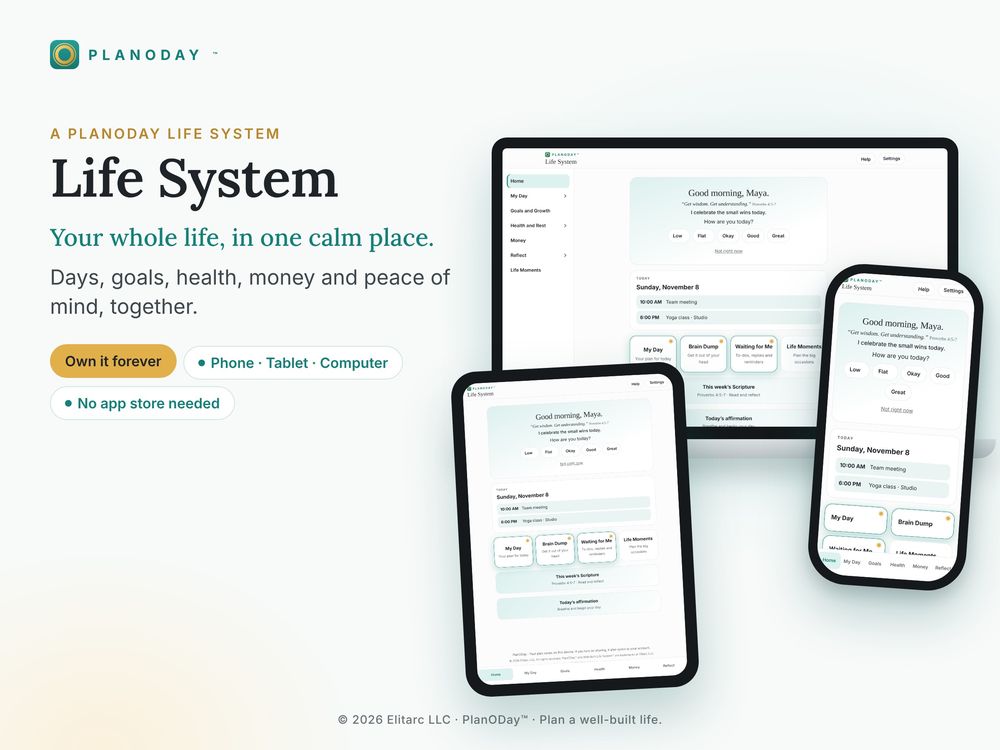
Life Systems
Run your whole life
Your days, goals, health and money in one calm place.
Explore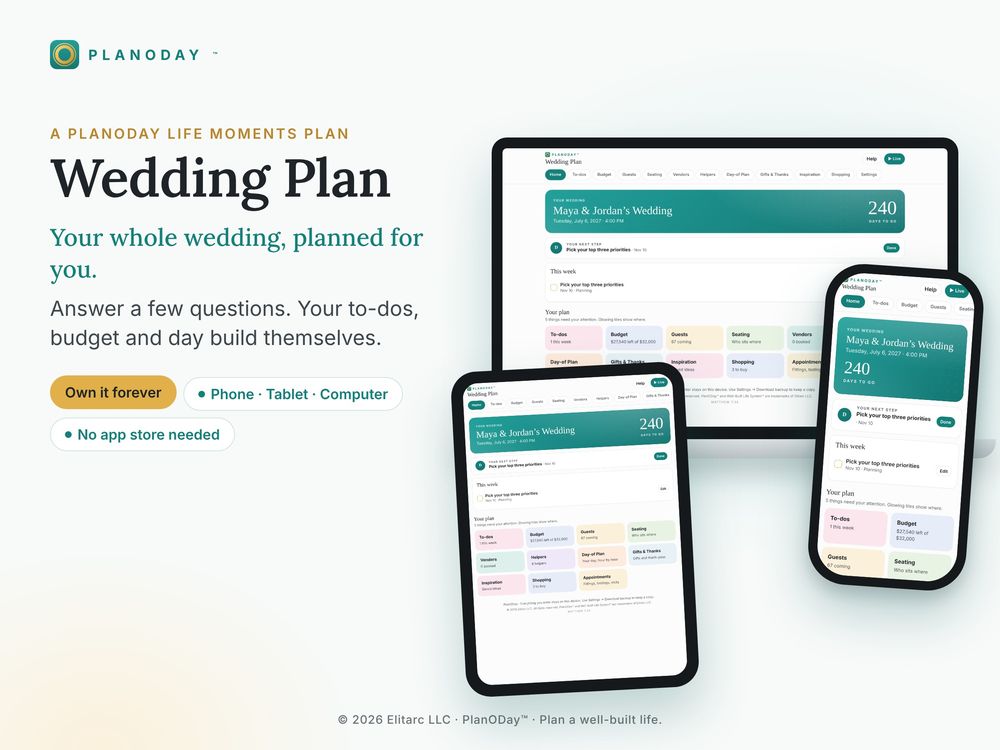
Life Moments
Plan the big days
Weddings, showers, graduations, birthdays and more, planned for you.
ExploreNew · C-Suite Creators Studio
Know what to post today
For creators and small business owners who are tired of guessing. Start from 248 ready-made hooks and captions, plan your reels, posts, stories and Lives, and keep every idea in one calm studio.
- A library of 248 ready hooks, captions and calls to action
- Reels, posts, stories and Lives with captions and scripts
- Talking points and an offer for every Live
- An Idea bank you can sort, reuse and download
See the Creators Studio$59.99Founding price
How it works
From checkout to your plan in minutes
Choose and buy
Pay once. Your access code arrives in your receipt email and on your download page.
Open and enter your code
Tap the button in your guide, enter your code, and add it to your home screen. No app store needed.
Answer a few questions
Your plan builds itself. Invite up to 3 people to plan with you, and everyone sees changes right away.
Help
Good questions
Do I need to download an app?
No. PlanODay opens in your web browser on your phone, tablet or computer. You can add it to your home screen so it opens like an app. No app store needed.
Is it a subscription?
No. You pay once and it's yours, with every new feature included through December 31, 2027. Syncing your plan across your own devices is free. Sharing with other people is included free at the start (12 months for life systems, 18 months for the Wedding plan and 12 for other Life Moments plans, from the day you send your first invite). After that, sharing is $10 a year, only if you want it.
How do I get into my plan after I buy?
Your access code (called a License key) is in your receipt email and on your download page. Open the guide you download, tap the button, and enter your code. On iPhone, the home-screen icon asks for a 6-digit sign-in code the first time: in Safari, open Settings and tap Get a code for my home-screen app.